Download LLM Explorer
Get the LLM Explorer app on your device and start learning about large language models even when you're offline.
App Screenshots
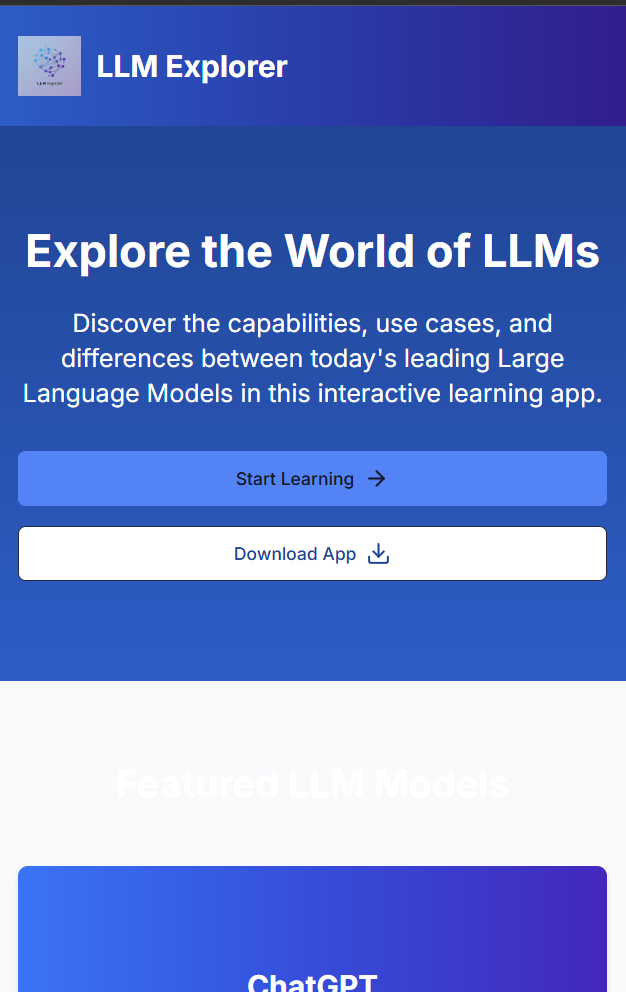
Home Screen
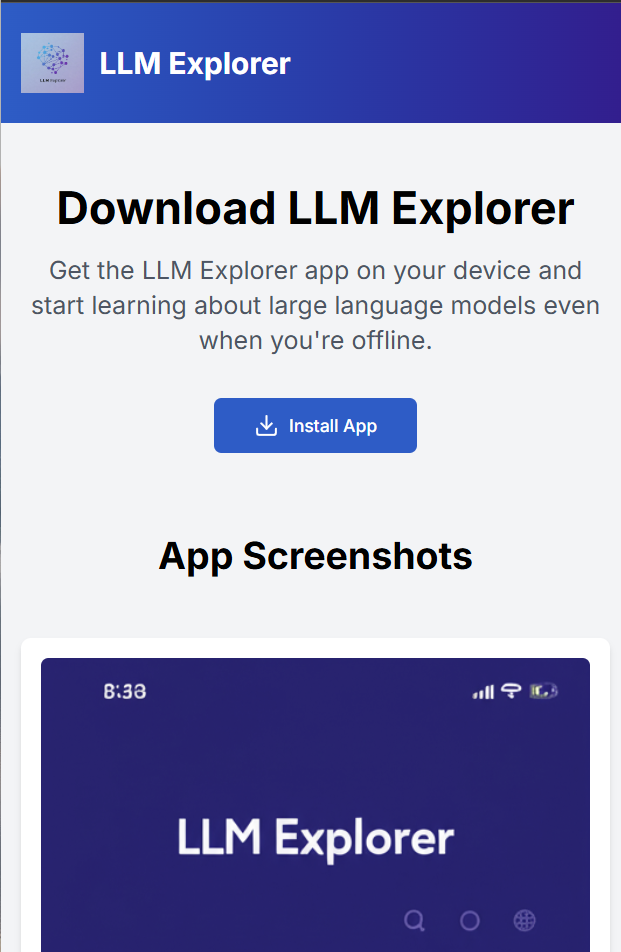
Learning Interface
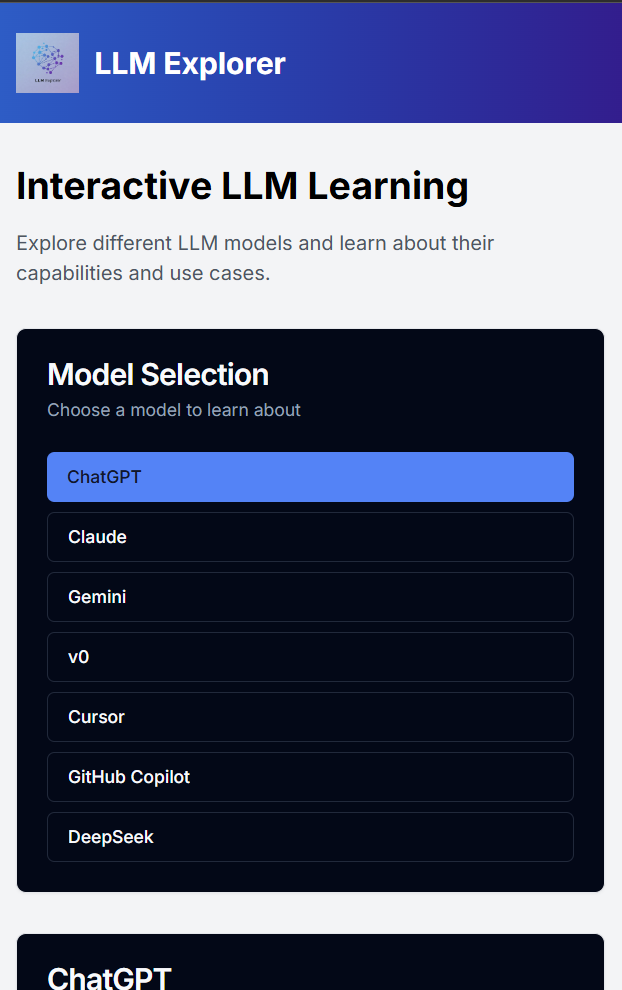
Model Details
Installation Instructions
Mobile Devices
- Visit the app: Open your browser and go to llm-explorer.vercel.app
- On iOS (Safari): Tap the Share button, then "Add to Home Screen"
- On Android (Chrome): Tap the menu button, then "Add to Home Screen"
- Name and install: Confirm the name and tap "Add"
- Launch: Open the app from your home screen like any other app
Desktop Devices
- Visit the app: Open your browser and go to llm-explorer.vercel.app
- Chrome: Click the install icon in the address bar
- Edge: Click the install icon in the address bar
- Firefox: Click the menu button, then "Install app"
- Launch: Open the app from your desktop or start menu
Benefits of Installing
Offline Access
Use the app without an internet connection once installed
Faster Loading
Enjoy quicker access with cached resources for better performance
Native Experience
Get a more app-like experience with full-screen mode and home screen icon